~/runtimelab $ cat ./content/blog/how-the-catalogue-is-organised.md
Tracks, paths and chapters: how the catalogue is organised
Forty-odd challenges is too many to read as a list. They are sold as tracks, shown as career paths, and released as monthly chapters — three different cuts of the same catalogue, and it helps to know which is which.
The catalogue has three structures on it at once. A track is what a pass unlocks. A path is an order to take challenges in toward a role. A chapter is a set of challenges that ship together in a given month. None of them is the "real" grouping; they answer different questions.
The catalog: everything, filtered
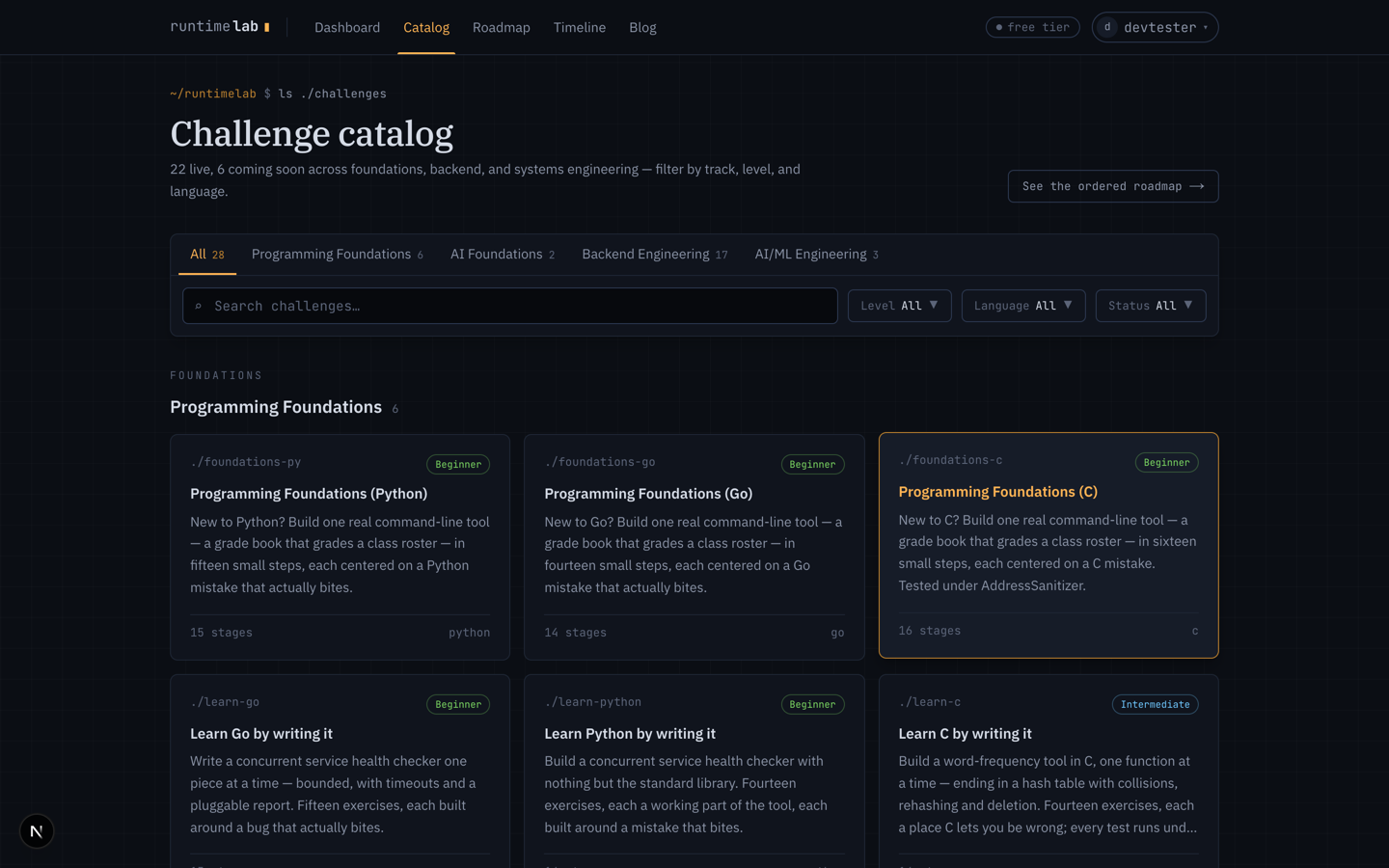
/catalog is every live challenge, grouped by subject, with filters for track, level, language and status. Search matches names and summaries. Each card says how many stages a challenge has and which languages it comes in, and a coming soon badge marks the ones whose page you can read and whose waitlist you can join, but which are not yet runnable.
Tracks are the access boundary
A pass is a snapshot of the tracks it grants, and a challenge belongs to exactly one track. Today the pass covers three: Programming Foundations and the language paths, Backend and systems engineering, and AI Foundations. The rest of the AI catalogue is on its own track and ships as its own pass later; that is why the AI/ML path on the roadmap is short for now.
This is a commercial split, not a thematic one. learn-systems-c uses the
same harness as the language paths but is sold with the systems track,
because that is where somebody buying it is coming from. If you ever wonder
why a challenge sits where it does, the answer is usually "what a pass
should reasonably include".
Paths are an order, not a partition
/roadmap shows the same catalogue as a tree. The spine is what everybody does — foundations, then one language — and everything indented under a language is a choice: an ordered run toward a role. Four paths today: Backend Engineer, Platform / SRE, Systems Engineer (C), and AI/ML Engineer.
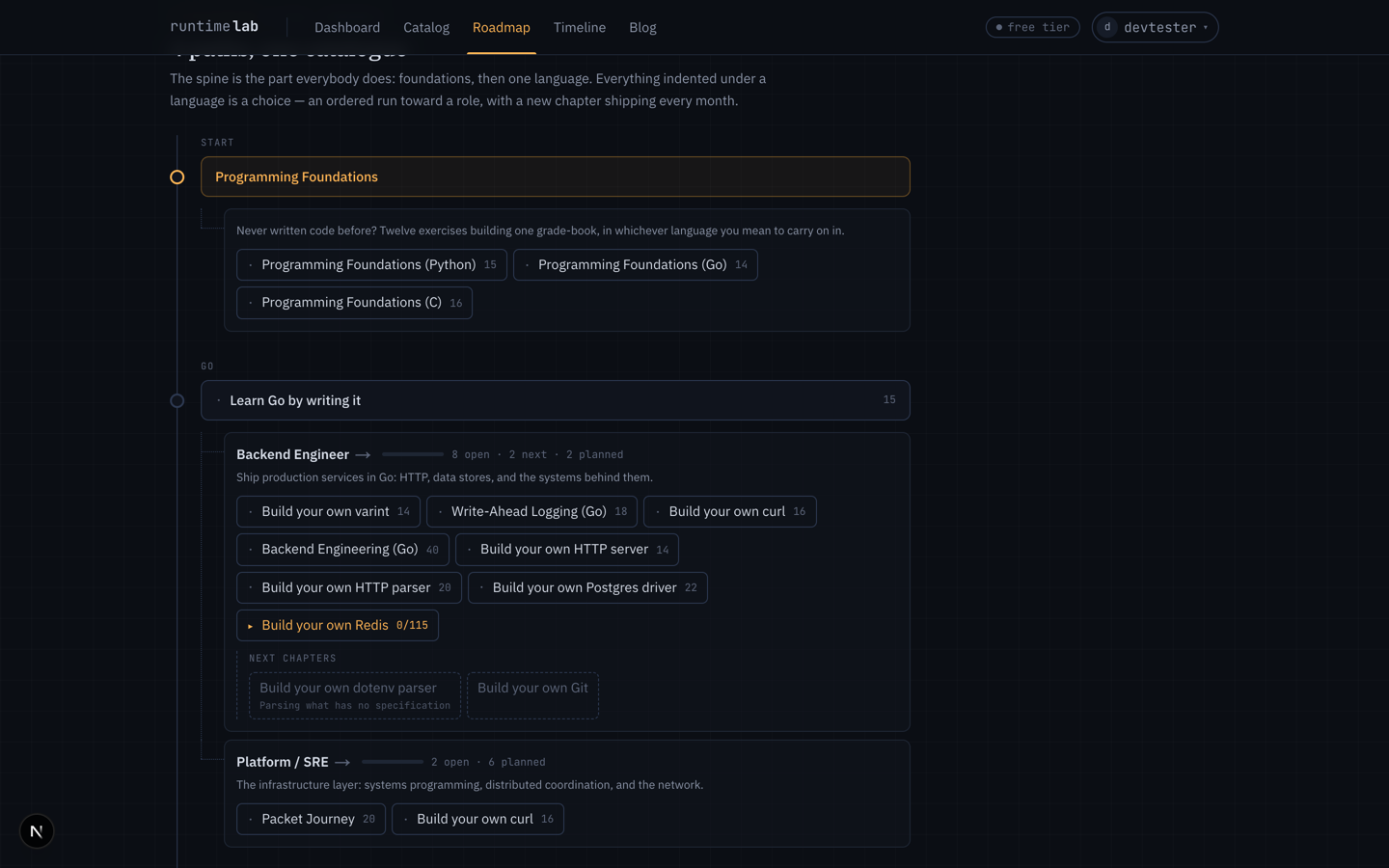
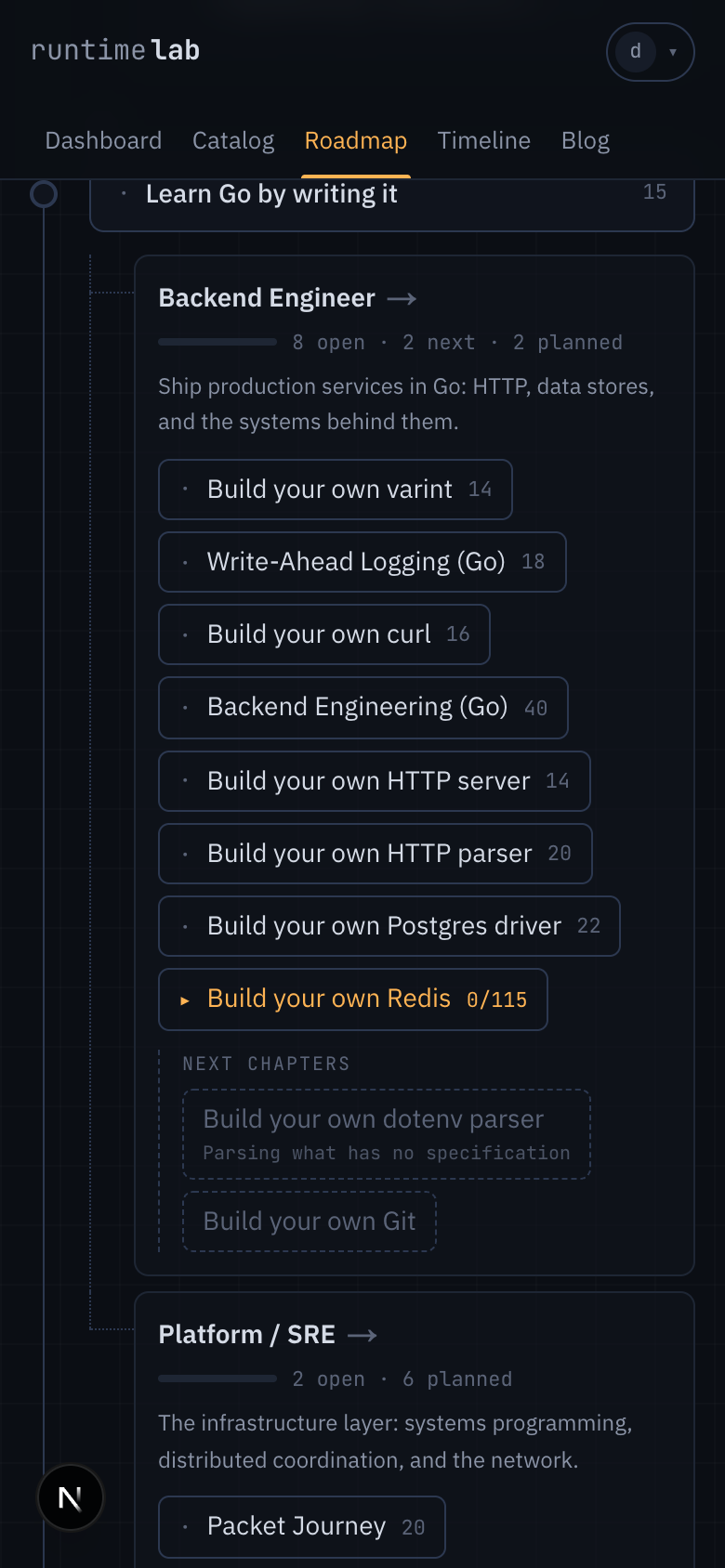
A challenge can be on two paths. Build your own curl is on both Backend and Platform, because a request journey is the opening challenge for either. The tree draws the same way on a phone as on a desktop: a solid rule down the left edge, dotted branches under each language.
Each path has its own page with the challenges as numbered steps and a line about where it ends up.
Chapters are the release schedule
We ship one chapter a month. The tree ends on the next one, and the next chapters block under each path names the challenges it will add. A chapter's challenges appear as coming soon two months before they open, so you can read the page and join the waitlist; everything further out is not on the site yet, on purpose, so the roadmap is a plan rather than a wish list.
What is free
Two things, deliberately different.
- The first two stages of every challenge are free to read and run. That is the trial of the exercise: you can see what a stage asks and whether you can make the tester go green.
- One whole challenge at a time is free — every stage, and the hints, guided path, solution and discussion with it. It rotates monthly and is marked in the catalog.
A new account also starts with a short trial of the full pass, so the help around a stage is there while you decide.
Reading a challenge page
Open any challenge and the page leads with the facts — level, stages, an estimated time, languages — and, once you have enrolled, the one thing to do next. Why this exists is a short scenario for the challenge: the situation it prepares you for, and the four things you will build. Below it, the syllabus by part, then the stage list.
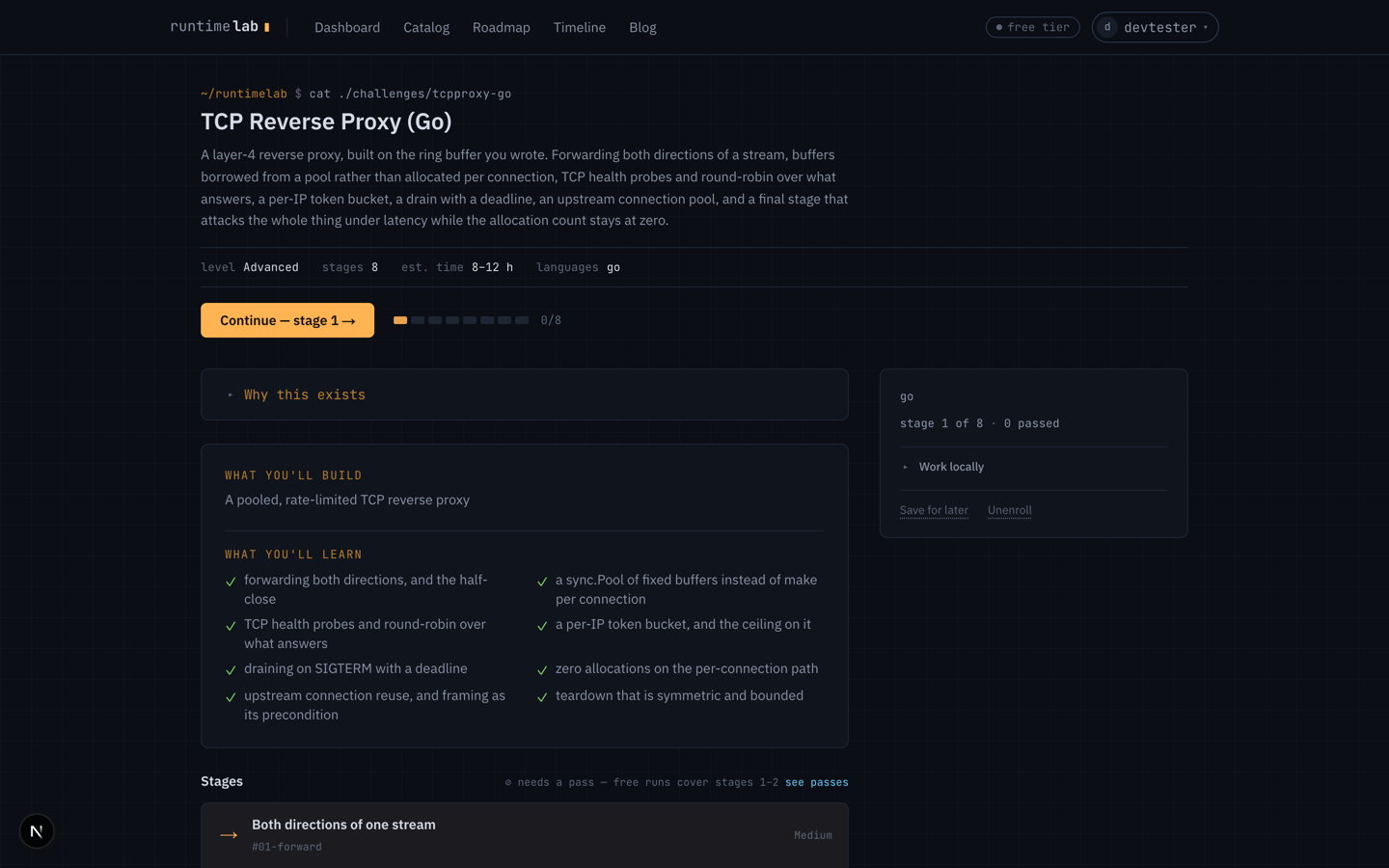
The clone URL and the Open in VS Code button are under Work locally in the side card. The browser editor is the default; the repo is there for when you want your own tools.